The terminal that installs Claude Code for you
and makes it a joy to look at.
ByteBar is a retro CRT terminal built for Claude Code. It sets everything up on a clean machine, keeps the install healthy, and wraps your sessions in phosphor glow, digital rain and live telemetry dials.
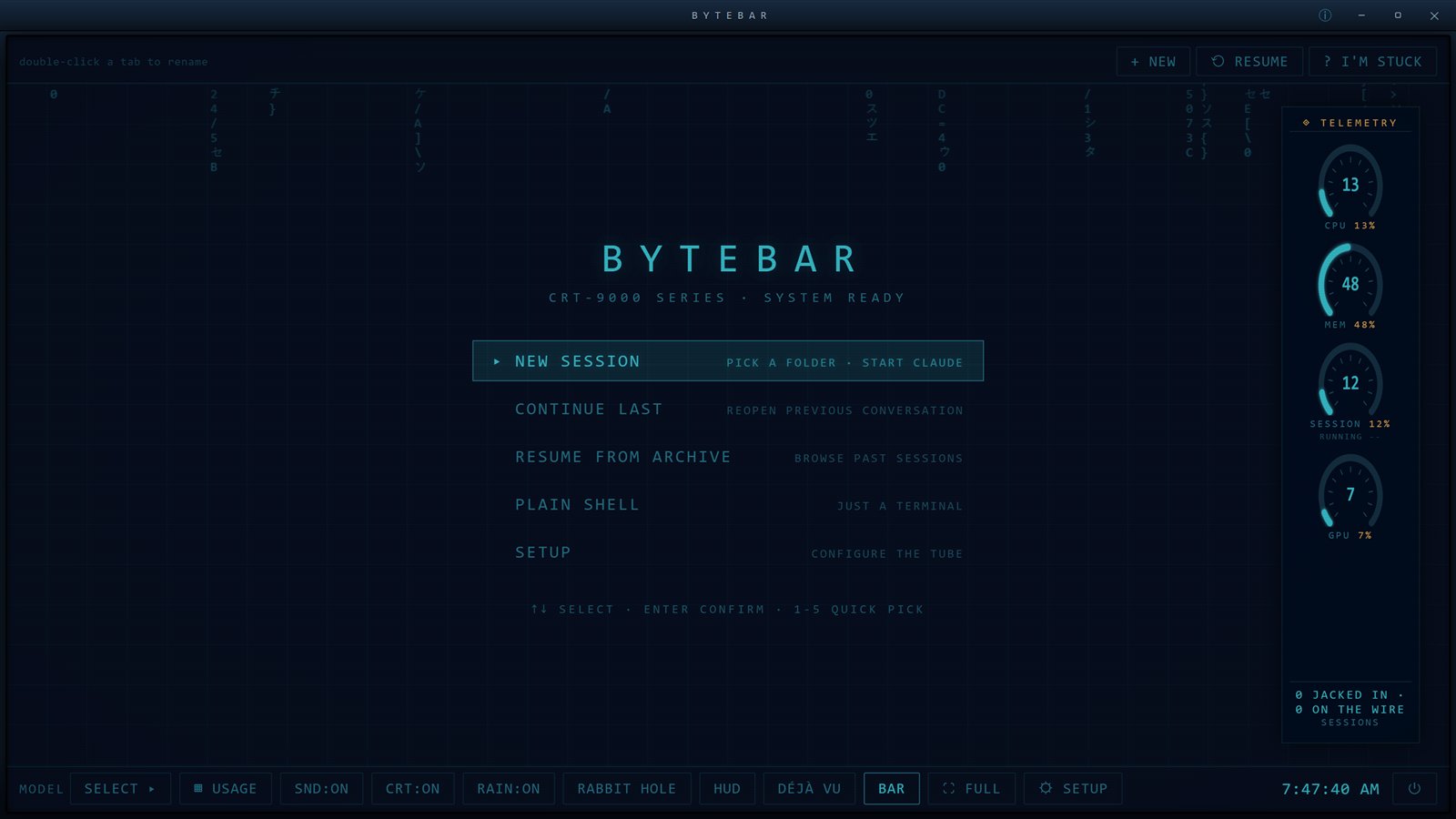
It looks like this the whole time you work.
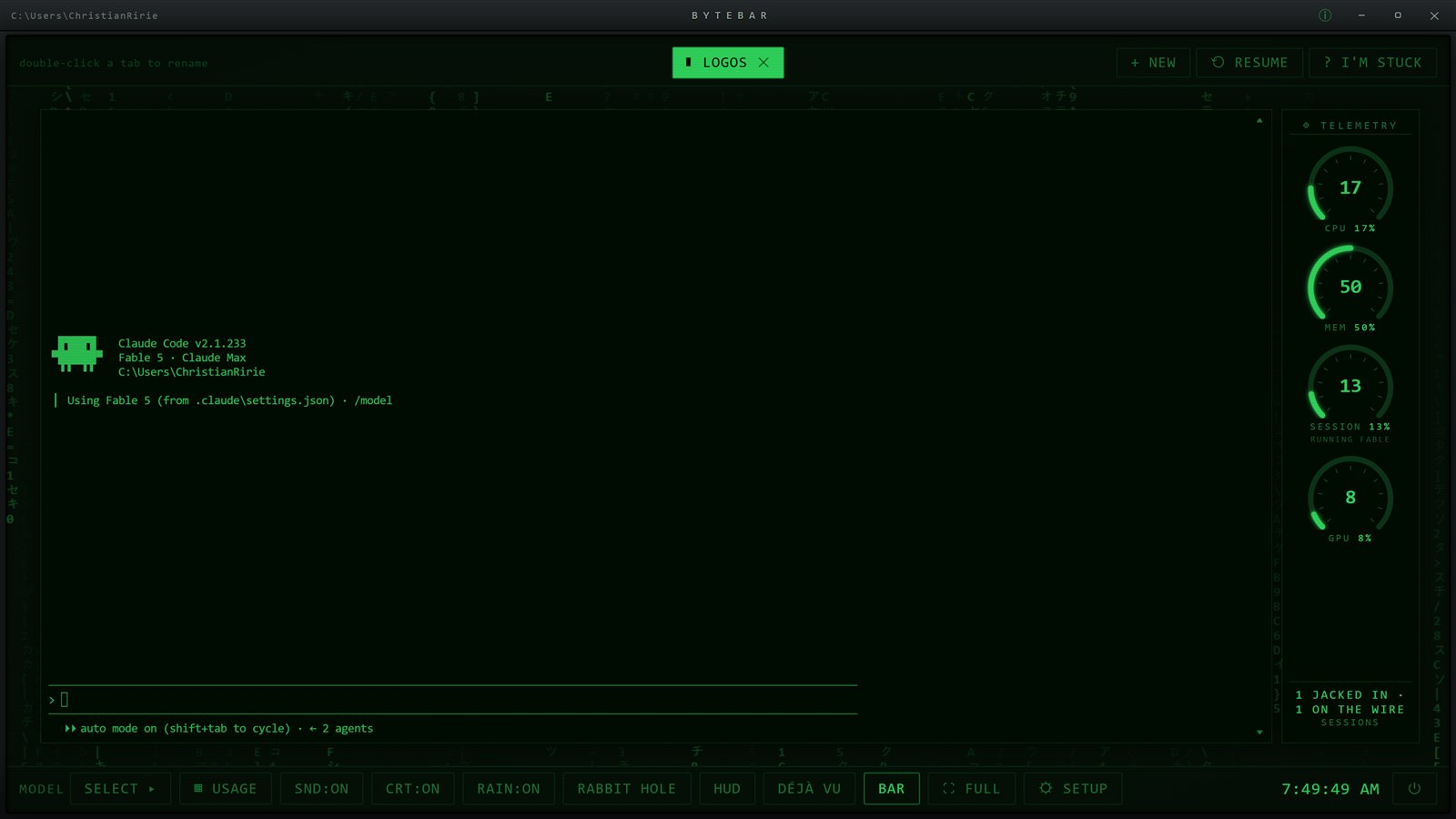
A real terminal, running the real Claude Code.
No wrapper tricks and no watered-down chat box. ByteBar runs the actual Claude Code CLI in a real terminal, then earns its keep around it:
- Named session tabs that survive restarts
- Live dials for CPU, memory, GPU and your Claude usage
- A session archive you can search, months back
- Model picker with ground truth, it shows what is actually running
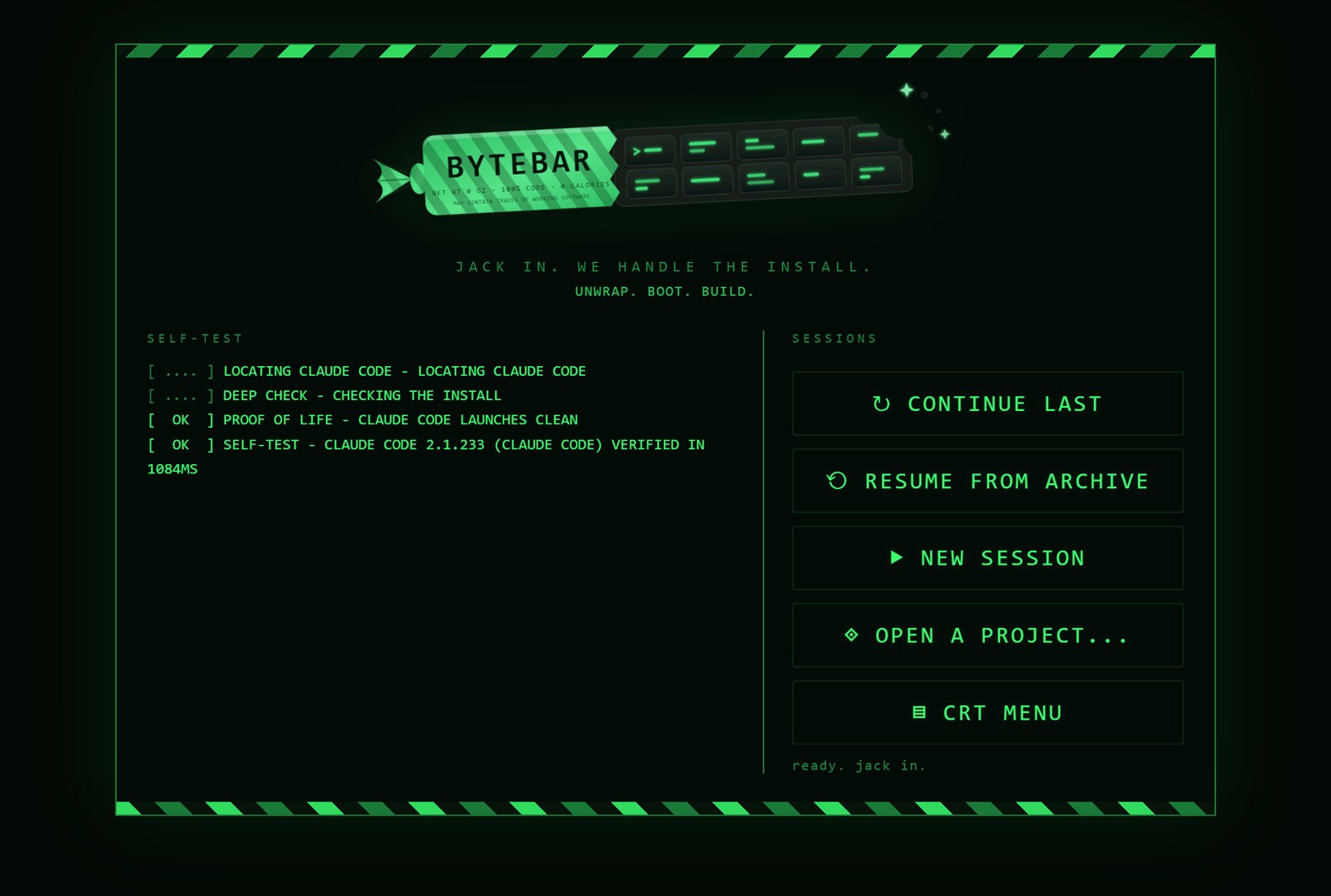
Never fight an install again.
Every boot runs a self-test. If Claude Code is missing, ByteBar installs it for you, on a fresh machine, with nothing to configure. If an update ever breaks it, the repair engine puts it back. You get a working prompt on day one, not a setup guide.
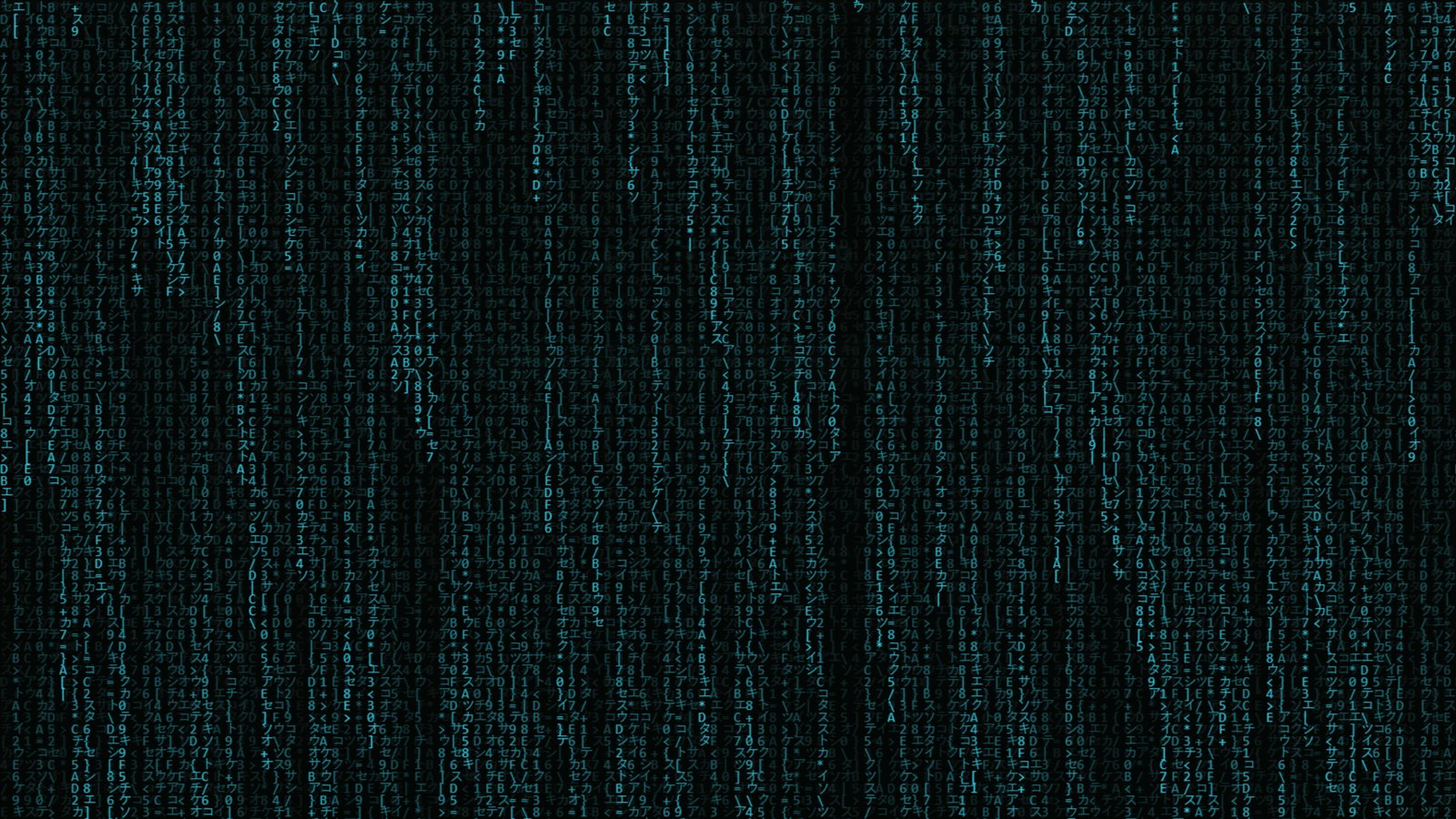
Digital rain, on demand.
Ambient rain behind your terminal while you work, a full-screen storm one hotkey away, and an idle board that takes over when you step away. The screensaver other tools would sell you separately is just in there.
A dial for everything.
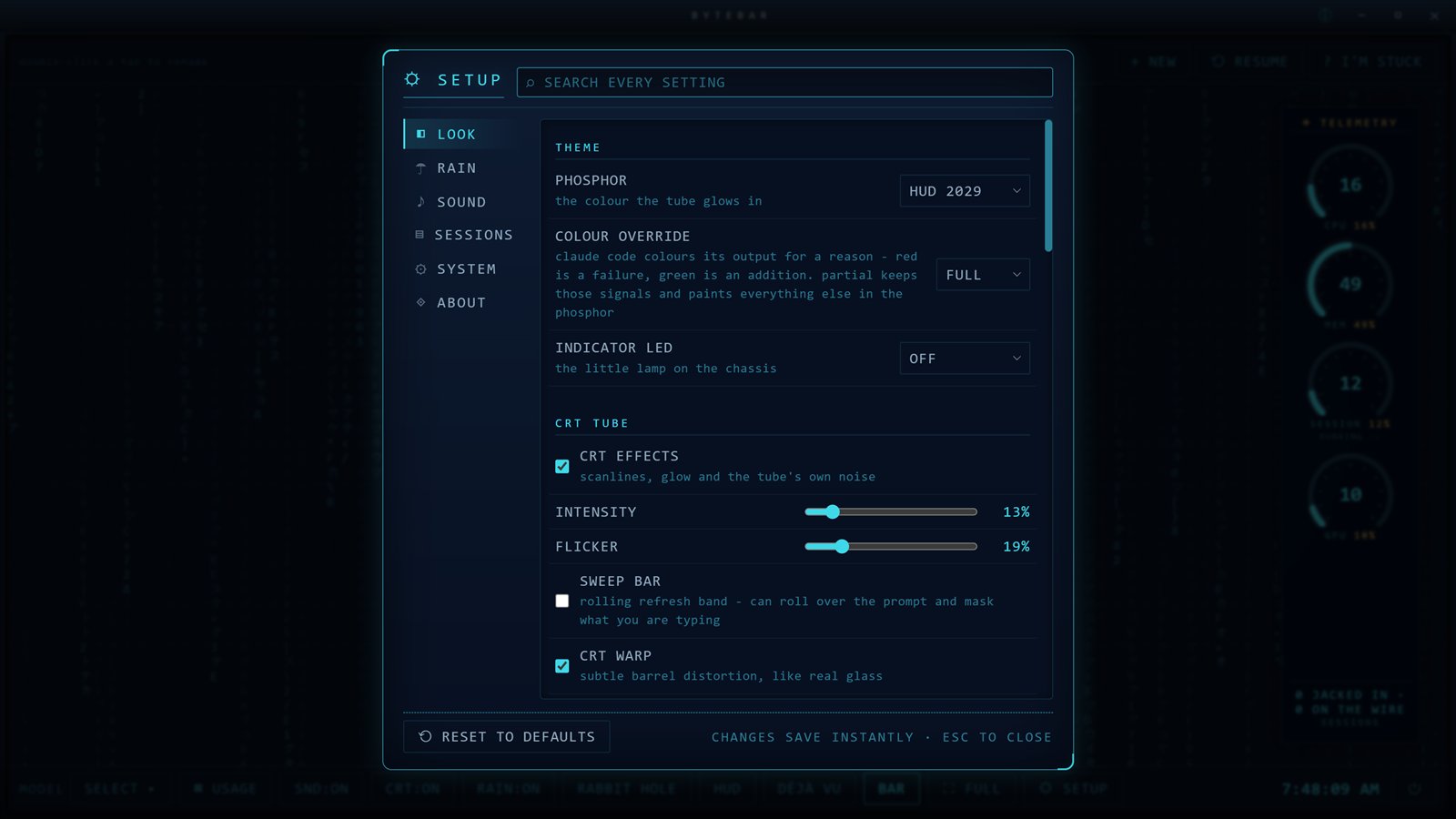
Five phosphor themes: classic green, amber, ice, white, and HUD 2029. Scanlines, flicker, barrel warp, brightness, sounds, all yours to tune or turn off. The status bar itself is configurable, and every hideable button keeps a second door so nothing can become unreachable.
Press I'M STUCK. A real person answers.
There is a button in the app that goes straight to us, the actual humans at Tech Fort who build ByteBar. No ticket portal, no chatbot maze. Tell us where you got lost and we help you get going.
Seven days, the whole app, no card.
Already know you want it?
One-time $29, two machines, 12 months of updates. The app keeps working forever either way. 14-day refund if it is not for you.